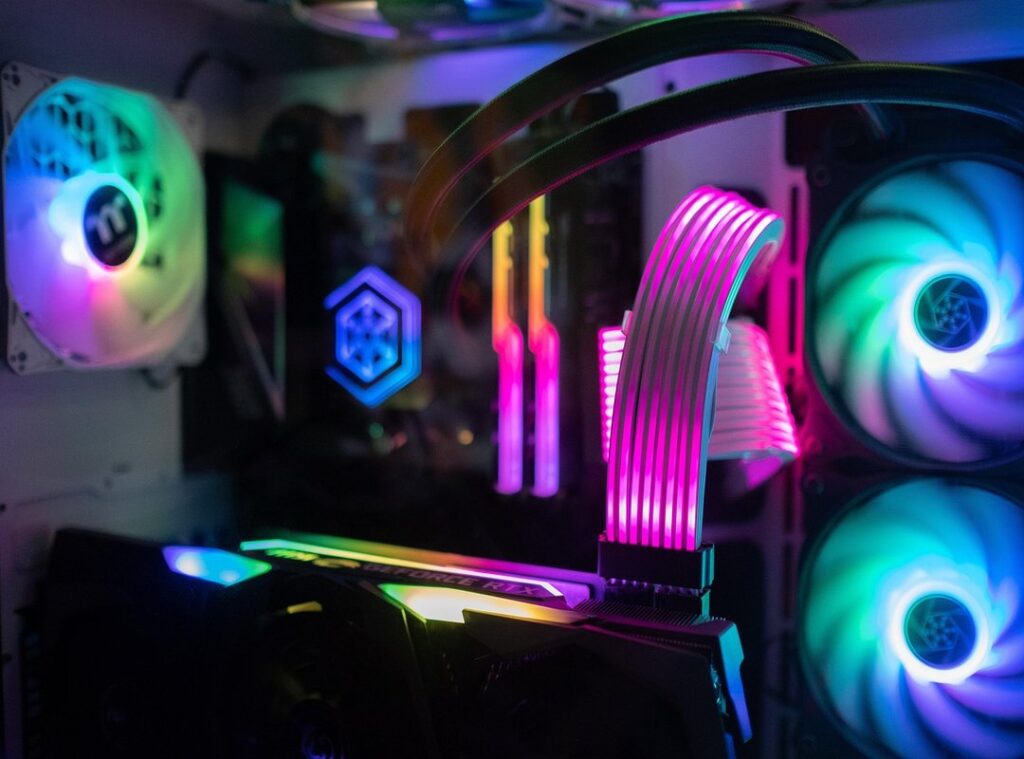
If your gaming rig is overheating, you’re not alone. I’ve been there, and let me tell you, it sucks. A hot machine leads to lag, crashes, and a ruined experience.
You don’t want that, right?
So, what’s the deal with gaming rig cooling? It’s not just about keeping your hardware alive. It’s about maximizing performance, too.
I’ve spent hours tweaking my setup, and I’ve learned a lot along the way.
In this article, I’ll break down everything you need to know about keeping your rig cool. I’ll share my findings on different cooling methods, the importance of airflow, and even some budget-friendly hacks that actually work.
You can trust this content because I’ve researched extensively and consulted with other gamers who’ve faced similar challenges.
Let’s dive in. Your gaming setup deserves the best, and I’m here to help you achieve that.
The Heat is On: Why Cooling Matters
You ever notice your game suddenly turning into a slideshow? Well, thermal throttling could be the main culprit. Excessive heat forces your CPU and GPU to slow down to prevent damage.
This results in frame drops and input lag. It’s not just annoying; it can be game-breaking.
And that’s just the start. Consistent overheating can mean serious long-term consequences. We’re talking a reduced lifespan for key components.
Motherboards, RAM, storage drives. Your gaming rig isn’t just some flashy toy; it’s an investment. Who wants to shell out cash for replacement parts?
Not me.
Then there’s the lovely sound of your fans working overtime. It sounds like your PC might just take off. Increased fan noise is more than a distraction.
It disrupts your focus, pulling you out of an immersive experience. Nobody wants their gaming session to sound like a jet engine in distress.
Lastly, inadequate cooling leads to system instability. Unexpected shutdowns, blue screens of death (BSODs), game crashes. These become your unwelcome companions.
Effective gaming rig cooling is key, not just for performance but for protecting your investment and ensuring a consistent, enjoyable experience. You want smooth gameplay, right? Make cooling a priority.
Air vs. Liquid: Cooling Your Gaming Rig
to air cooling and liquid cooling. Two paths, each with unique quirks. Air cooling uses heatsinks and fans to keep your CPU chill.
On the other hand, liquid cooling is all about finesse. AIO (All-in-One) systems handle heat like a pro, often quieter and more stylish. But they come with higher costs and a learning curve.
It’s cost-effective and easy to install but can get bulky and loud. Perfect for those not pushing systems to the extreme. Tower or low-profile coolers are common choices.
Custom loops can be tricky (and leaky). They’re great if you need top-tier performance and have the budget to match. If you want that sleek look without the fuss of an air cooler, go liquid.
So, how do you choose? Think about your budget. Consider the CPU’s TDP (thermal design power).
Are you okay with a little noise or do you crave silence? Your comfort with installation matters too. If you’re unsure, this guide can help you boost performance without overspending.
In the end, it’s about what you’re comfortable with. Gaming rig cooling is personal. You know your needs best.
Optimizing Airflow: The Unsung Hero of Case Cooling
Ever thought about how key airflow is for your PC’s cooling? It’s often skipped over in favor of flashy CPU or GPU coolers. But here’s the kicker: proper airflow can make or break your gaming rig cooling.
Let’s break it down.
Positive pressure means more intake fans than exhaust, and it’s great for keeping dust out. Negative pressure is the opposite, with more exhaust fans, which helps with cooling but can pull in dust. Both setups have their quirks.
You have to decide, what bugs you more, dust or heat?
Fan placement is also key. Intake fans at the front and bottom pull cool air in, while exhaust fans at the top and back push hot air out. It’s like creating a mini wind tunnel in your PC case.
Simple, right?
Let’s not forget fan types. Static pressure fans are perfect for radiators and heatsinks, while airflow fans excel in open areas. And hey, cable management isn’t just for aesthetics.
It helps airflow too. Keep those cables tucked away for a breeze-friendly setup.
Lastly, dust filters are your best friend. Clean them regularly to keep your airflow smooth. After all, you want your rig running cool and dust-free, right?
Cool and Calculated: Mastering Advanced Cooling Tactics
If you’ve ever felt the heat from your gaming rig, you understand the importance of effective cooling. One of the heroes here is thermal paste. It fills microscopic gaps on CPU and GPU surfaces, ensuring heat isn’t trapped.

Want to apply it right? There’s the pea method, a simple spot in the center. Or the line method, where you draw a line down the processor.
Either way, replace it every couple of years to keep things smooth.
Now, let’s talk undervolting. By reducing the voltage to your CPU and GPU, you can lower heat and power consumption without killing performance. It’s like giving your system a cool sip of water without drowning it.
And don’t forget about environmental factors. Room temperature and sunlight play unexpected roles. Keep your rig away from direct sun and in a cool, airy spot for prime gaming rig cooling.
For laptops baking under the pressure, cooling pads are important. Desktop users? Directional fans can be lifesavers during sweltering months.
Regular maintenance matters too: dust off those components, check fan health, and track temperatures with software. A checklist keeps you on track. Pro tip: Setting reminders on your phone can prevent overheating disasters.
Cooling Chaos: Tackling Common Problems
So your fans are spinning, but your rig still heats up like a toaster oven? Let’s get to it. First, check your thermal paste.
It can dry out over time (who knew?) and needs replacing. Then, eyeball the dust situation on your heatsinks. It builds up quicker than you’d think.
Loud fans driving you nuts? Adjusting fan curves in the BIOS or software can help. A simple tweak can lower the roar.
Oh, and fan orientation? It matters more than you’d guess.
If that doesn’t work, maybe it’s time for a quieter model? It’s worth the upgrade.
Sudden shutdowns are the ultimate mood killer. Stress test your system while monitoring temperatures. Spotting the overheating component is key.
And if your liquid cooler sounds like it’s gargling? It’s probably air bubbles. Gently tilting the case can work wonders.
Wondering if your cooler’s up to the task? If your setup keeps overcooking, think about an upgrade. Sometimes the old gear can’t handle the heat.
While you’re at it, make sure you check out Network Tweaks Lag Free for tips on boosting your gaming rig’s performance. Because who doesn’t want smoother gaming?
Keep Your System Cool and Game On
You now know how to manage your gaming rig’s cooling. That’s what you wanted, right? Overheating can ruin your experience and damage your hardware.
Implementing these gaming rig cooling solutions boosts performance but also extends your system’s lifespan.
So, what’s next? Start applying these strategies today. Monitor your system’s health closely.
You’ll enjoy a cooler, faster, and more reliable gaming experience. Don’t wait until your PC struggles. Take action now and protect your investment.
If you have questions, reach out. Your gaming rig deserves the best care possible.
 Founder & Editor-in-Chief