Many gamers face the same frustrations. Hand fatigue, missed inputs, and that annoying disconnect from the game due to generic controllers. I’ve been there too.
This article is here to change that. I’ll guide you through the often-overlooked world of controller customization. You’ll learn how to transform your gaming experience from frustrating to fluid.
I’ve spent years dissecting core gaming mechanics and uncovering hacks that can improve gameplay performance. I know how even small tweaks can dramatically boost your satisfaction and improve your in-game results.
Think about it. Would you rather struggle with a standard controller or dominate your competition with a setup tailored to you? This guide is packed with actionable strategies and takeaways that will help you customize your controller for unparalleled comfort and precision.
By the end, you’ll have the tools and knowledge to gain a competitive edge. So, let’s dive in and master your game with the power of personalization. You won’t regret it.
The Undeniable Edge: Why Controller Personalization is
Why bother with customizing a controller? Let me tell you, it’s not just about aesthetics. It’s about enhanced performance.
You know those moments when every millisecond counts? A personalized controller can shave off precious reaction time and reduce input lag. You feel every move more precisely.
Next, let’s talk comfort. Ever had a gaming session that lasted so long your hands ached? Personalizing your controller can minimize fatigue (trust me, I’ve been there).
Ergonomics matter. When your setup is tailored to your needs, you can play longer without discomfort. It’s as if the controller is an extension of yourself.
This isn’t just theory. Look at competitive players and esports pros. They use controller customization to dominate.
Tailored control schemes are another perk. Imagine optimizing button layouts for your favorite game. Suddenly, you have a strategic advantage over your competition.
It’s their secret weapon.
Lastly, there’s immersion. When a controller is perfectly tuned, you connect with the game world on a new level. The experience becomes smooth and intuitive.
It’s hard to go back once you’ve tasted that.
So, are you ready to level up your gameplay with controller customization? Your rivals won’t see it coming.
Decoding Personalization: Beyond Just a Pretty Skin
When I hear “controller customization,” I think of more than just stickers and colors. It’s about making your controller truly yours. Let’s start with the physical options.
Thumbsticks vary in height, texture, and design. Raise them, flatten them, add ridges. Each tweak changes your grip and precision.
And trust me, it matters.
Then there are D-pads and buttons. Swappable modules are like magic for gamers. Have you tried paddle attachments?
They take your button-mashing to a new level of tactical play. And grips? Textured grips, with custom shells, make your controller feel right at home in your hands.
Think of it as a handshake (just with your controller).
Now, trigger stops. They’re simple but game-changing. Reducing trigger travel distance can make or break your shooting speed.
Fast doesn’t even begin to cover it.
But let’s not ignore software. Button remapping lets you assign any input to any button. Sounds like a cheat code, right?
Sensitivity and dead zones help you fine-tune stick and trigger responses. On a good day, it’s like having a sixth sense.
Profiles are a lifesaver. Save multiple setups and switch between games without a hitch. Curious about how pros do it? Read more in this guide for smart setups.
Personalization: it’s the future of gaming, and it’s here now.
Customizing Your Controller: A Beginner’s Guide
Jumping into controller customization can feel overwhelming at first. But don’t worry, I’ve got you covered. Start by figuring out what bugs you the most.
Is it hand fatigue? Maybe your aim is off or the buttons feel wrong. Pinpoint these issues first.
Next, look at your game settings. Don’t skip this step. Many games let you remap buttons or tweak sensitivity.
It’s a quick way to make things more comfortable without spending a dime. Use what’s already there.
Now, dive into your console or PC settings. Tools like the Xbox Accessories App or Steam’s Big Picture mode make a difference. These settings give you more control over your controller’s function.
You’ll find options you didn’t know existed.
Thinking of a physical upgrade? Start small. Performance thumbstick caps and ergonomic grips are game-changers.
They’re affordable and can instantly improve comfort and control. You don’t need to go all out right away.
Remember, customization is never truly done. You’ll constantly adapt as you play more. Keep experimenting.
Your perfect setup is a moving target, and that’s part of the fun.
Oh, and if you’re ready to step up your game even more, check out scuf® custom controllers. They offer tailored options that might just fit your needs.
Elevating Your Game: Advanced Controller Customization Techniques
You think you’re good, but have you really pushed your gear to the limit? Let’s get into the nitty-gritty of controller customization. It’s more than just vanity.
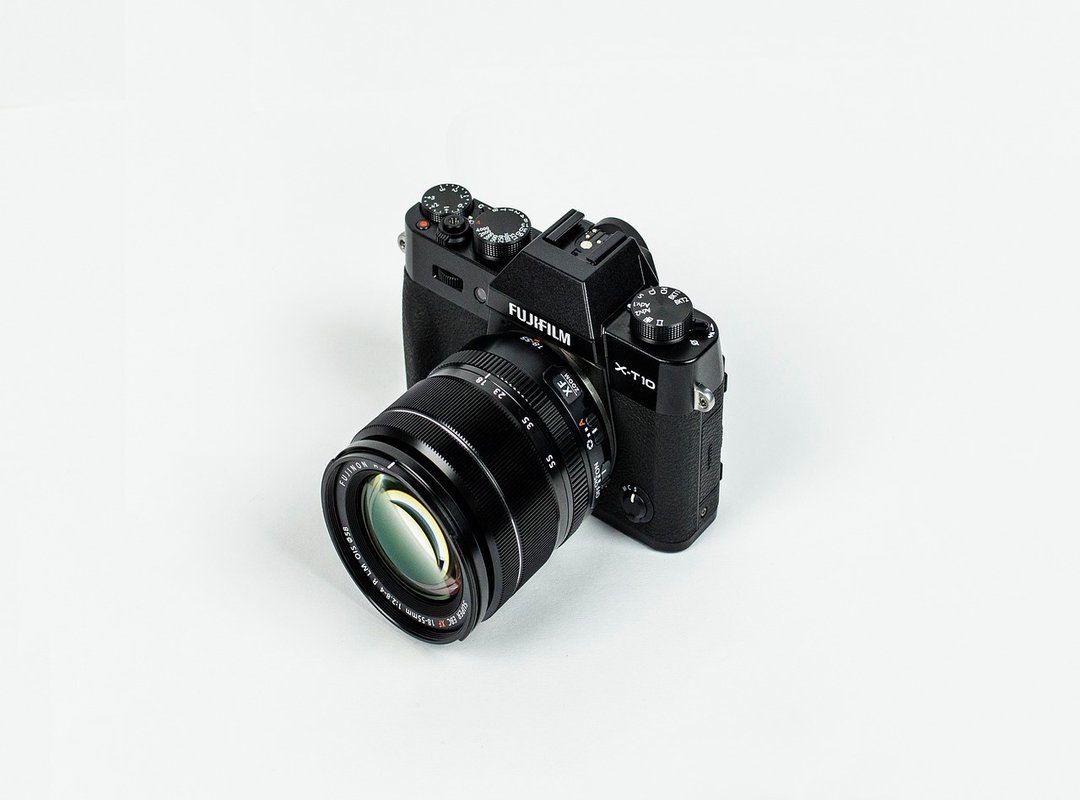
Integrating paddle attachments and back buttons can be a game-changer. Seriously, keeping your thumbs on the analog sticks makes all the difference in fast-paced games. Installation isn’t rocket science, but it does take some patience.
Ever heard of modular controllers? Devices like the Xbox Elite and SCUF are designed for those who want it all. Swappable components, advanced features (they’re) not just buzzwords.
They let you fine-tune every aspect to fit your style. For FPS, think trigger stops and taller right sticks. For fighters, a custom D-pad can be the edge you need.
If you’re playing on PC, third-party software like DS4Windows or reWASD opens a world of possibilities. These tools allow for more detailed button mapping improve play, letting you create complex macros and advanced profiles. Of course, internal modifications are an option too.
But be cautious. Hall effect sensor upgrades and custom membranes can improve performance if you’re technically inclined. Just remember: you might void your warranty.
Finally, improve for genres. Is it worth it? Absolutely.
Precision is key, and a tailored setup is your secret weapon. When you’re ready to up your game, these techniques will help you stay ahead of the competition.
Crafting Your Perfect Setup: Personalization Strategies
Personalizing your setup is more than a trend; it’s a necessity. Controller customization can raise your gaming experience whether you’re a casual or competitive player. Start with comfort if you’re laid-back. Why suffer through a marathon session with a clunky controller?
For intense gaming, performance is king. Responsive controls and ergonomic designs make all the difference. Ever tried trigger stops for FPS?
They’re game-changers. Or those taller right sticks? Perfect for precision.
Balancing budget and customization can be tricky. Know your priorities. Go budget-friendly or premium, but don’t compromise on essentials.
What’s holding you back?
Raise Your Game Today
You’ve learned how controller customization can change everything. A generic controller limits your potential. It causes discomfort and affects your performance.
Personalizing your controller ensures you gain comfort and precision. You deserve a setup that feels right in your hands. Now is the time to take action.
Experiment with your configurations. Tweak them until they fit your style. Don’t wait for the perfect moment.
The perfect moment is now.
Visit Widdeadvi for the latest strategies and takeaways. You’ll find tips that will keep you ahead of the competition.
Transform your gaming experience. Embrace the power of controller customization. Start today and feel the difference in your game.
Call now if you have questions or need assistance.
 Senior Multiplayer Strategy Author